See the files on the server that you cannot access
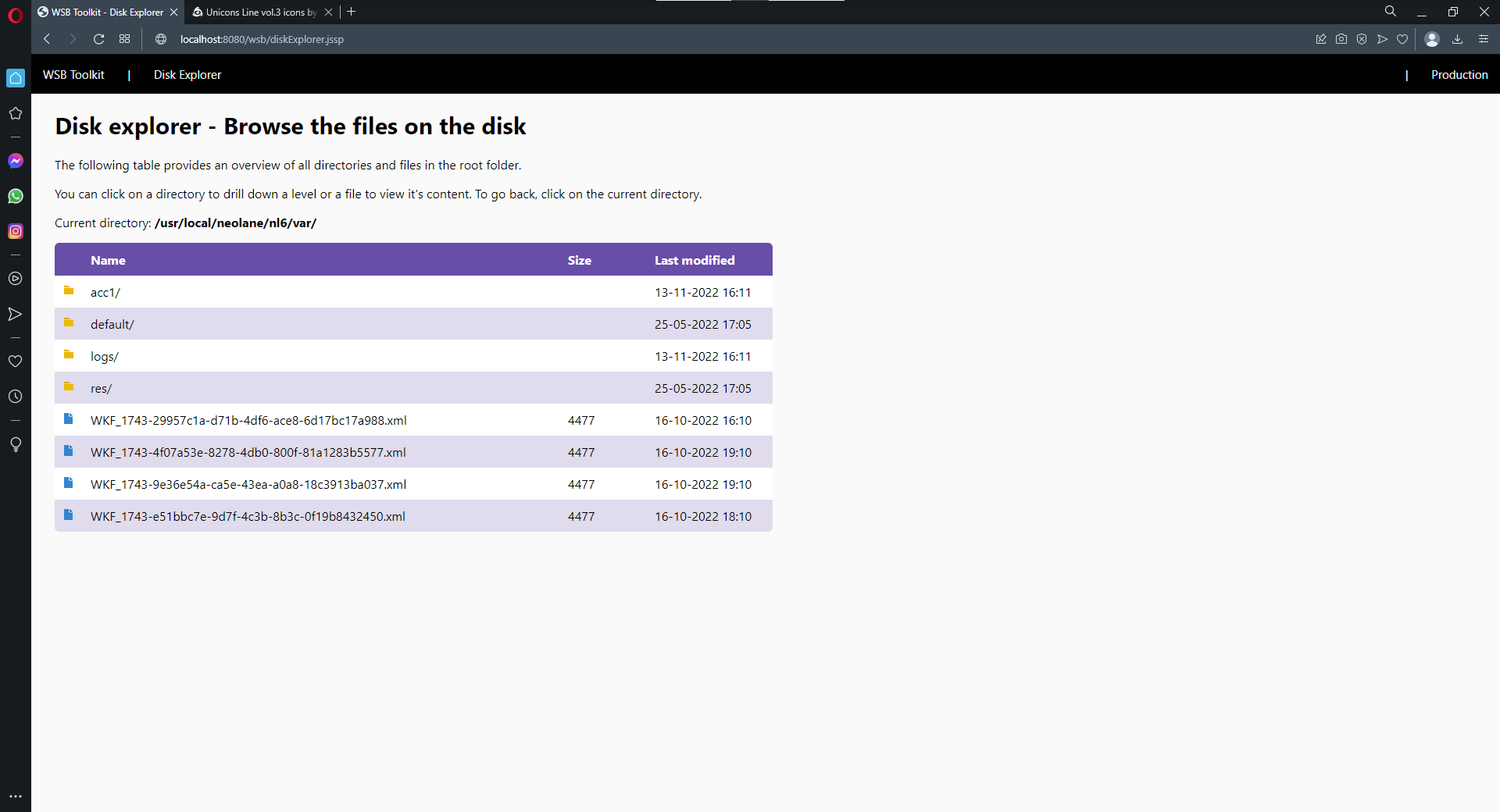
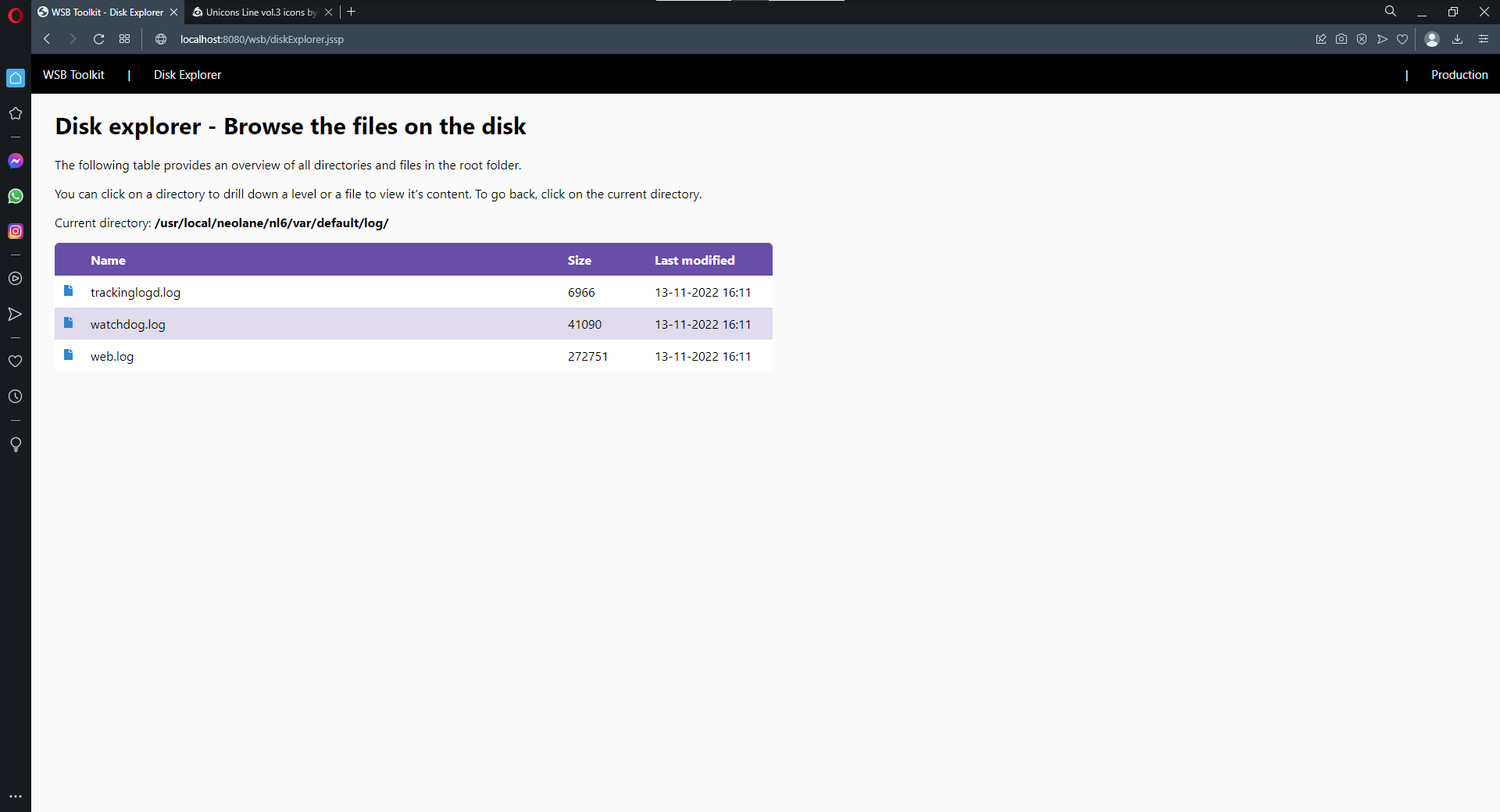
The disk explorer feature relies on basic JavaScript code to list all files and folders in a specific directory. It'll generate a table in which all folders and files will be listed. Icons are used to show the difference. When clicking on a folder, the page will be reloaded with a different starting path. The starting path is shared through the url itself, making it possible to show different content on the same page.
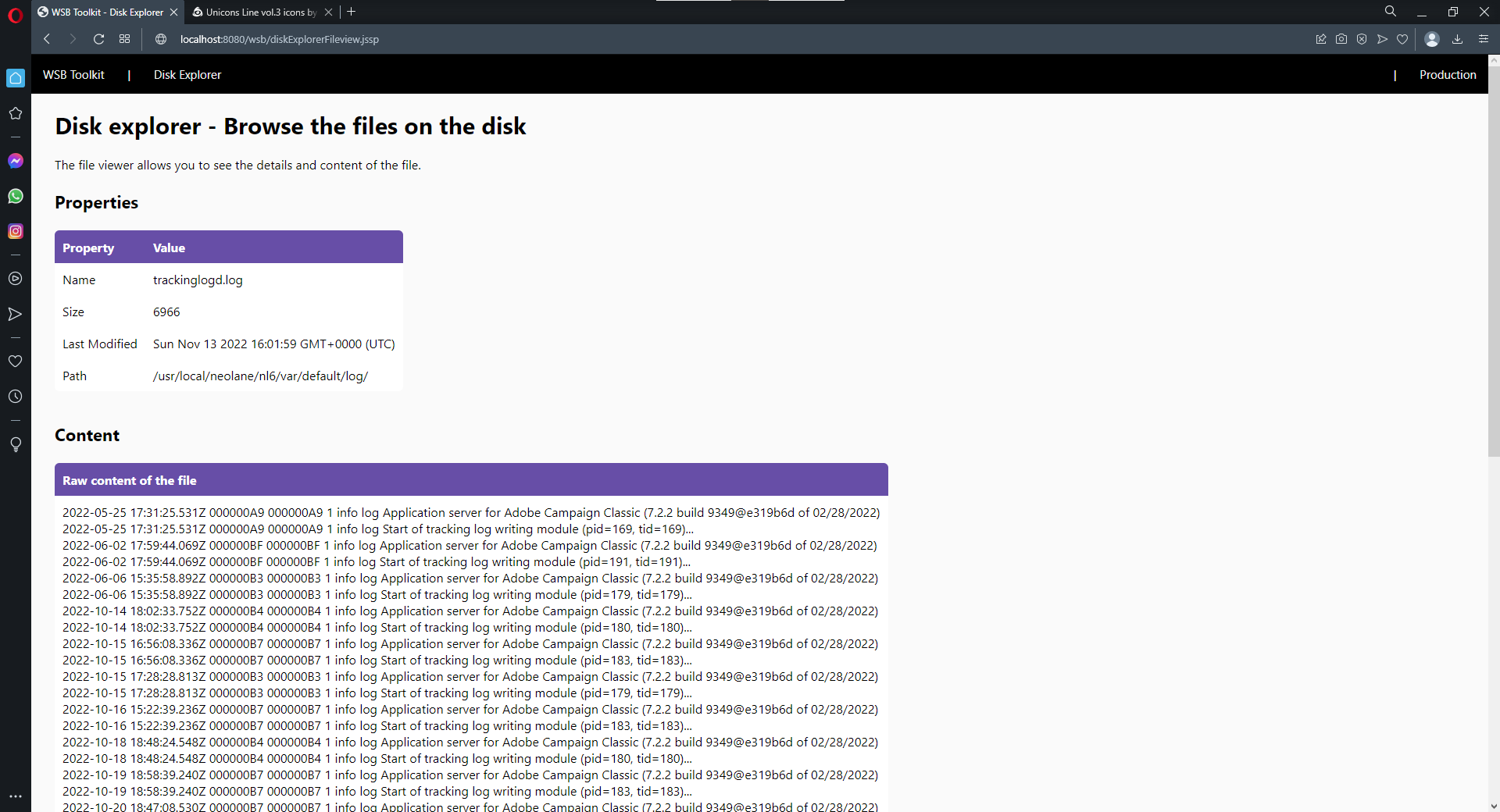
When clicking on a file, a second page will be loaded, showing the properties and content of the file. The location and name of the file are once again shared through the url itself, as parameters. The file can be loaded using different methods. A different loading method is for example used for XML files, this to ensure proper loading. In certain cases the page will offer use to reload the file using a different engine.
When you install the disk explorer package, the following objects will be created.
Click the button below to download the package
This feature requires the Acato Core package to be installed
You can simply download the package using the link above and install it on your instance.
Now go to the JSSP page in your browser. The url of your server you'll need to construct yourself, but as a reference, use this one: https://localhost:8080/wsb/diskExplorer.jssp
You might need to play around with http(s) and the port.
The source code of this feature is available on Azure DevOps
Find out moreYou can use it all for free, but you need to be aware of the following





This website is using essential cookies to improve your experience. By using this website, you agree with the use of these cookies. More info.